Google
 Clutch
 G2
HubSpot CMS development
HubSpot websites built to turn visits into leads.
HubSpot CMS (Content Hub) sites and HubSpot integrations from our in-house team: forms, tracking and CRM connected to your site and your ads, so every lead lands in HubSpot with its source attached.

-
 Forbes AdvisorBest Web Design for Local Businesses
-
 GoodFirmsTop 10 of 33,000+ Web Design Companies
-
 DesignRush#5 Web Design Agency in New Jersey
-
 DesignRushTop 5 Magento Development Agency in the US
-
 Clutch#1 E-commerce Marketing Company in the US
Your website, CRM and marketing, connected properly.
HubSpot puts your website, CRM and marketing tools in one place. In the last three years alone we handled HubSpot forms, tracking and CRM integrations for 50+ clients, from website forms to offline conversions sent back to Google Ads.
Custom HubSpot themes
A theme designed for your business, with drag-and-drop modules your team can use to build new pages without breaking the design.
CRM-connected forms
HubSpot forms on any site, WordPress included, that create contacts with their source and route them to the right person.
Offline conversions to Google Ads
Deals and qualified leads from HubSpot sent back to Google Ads, so your campaigns optimize for customers, not clicks.
Migration to HubSpot
Pages, blog posts and assets moved from WordPress or another CMS, with a redirect plan for every old URL.
SEO-ready from launch
Clean URLs, schema, fast templates and HubSpot’s SEO tools set up, so the new site keeps and grows your rankings.
Reporting you can act on
Tracking set up before launch, and a Client Hub that shows the visits, calls, forms and deals your website brings in.
HubSpot sites that bring in more leads and traffic.
-
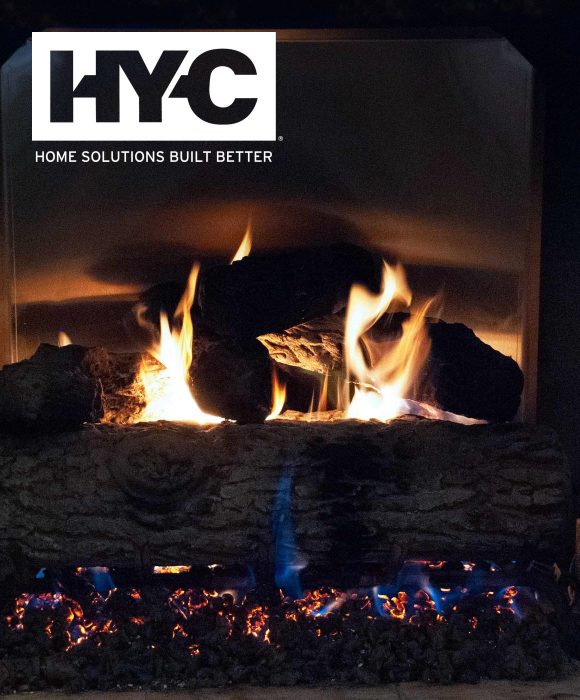 +4,300%more conversions
Masonry · Hearthstopper
-
 +1,725%more email traffic
Advertising · JoTo PR
-
 +950%more referral traffic
Cybersecurity & IT · Ntiva
-
 +1,200%more leads
Senior Living · Discovery Village Senior Living
-
 +4,144%more leads
Senior Living · Morada Senior Living
-
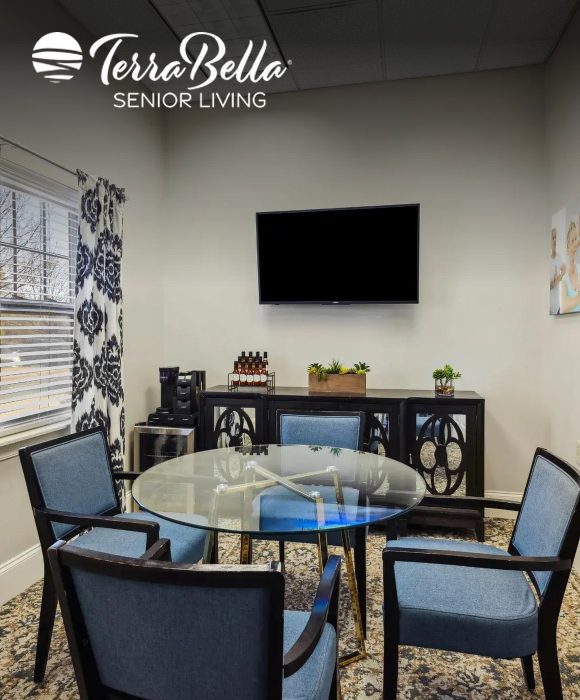 +4,233%more leads
Senior Living · TerraBella Senior Living
-
 +96%more conversions
Manufacturing · Pulsa
-
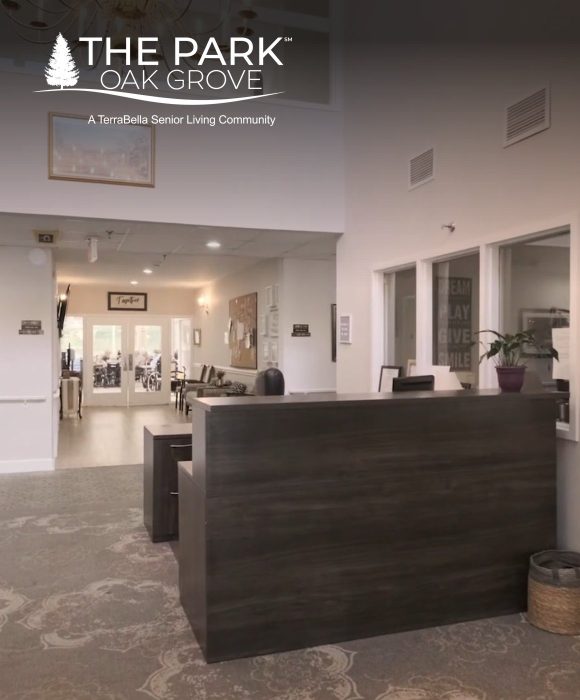 +3,420%more leads
Senior Living · The Park Oak Grove
-
 +767%more organic conversions
Senior Living · Diamond Oaks Village
-
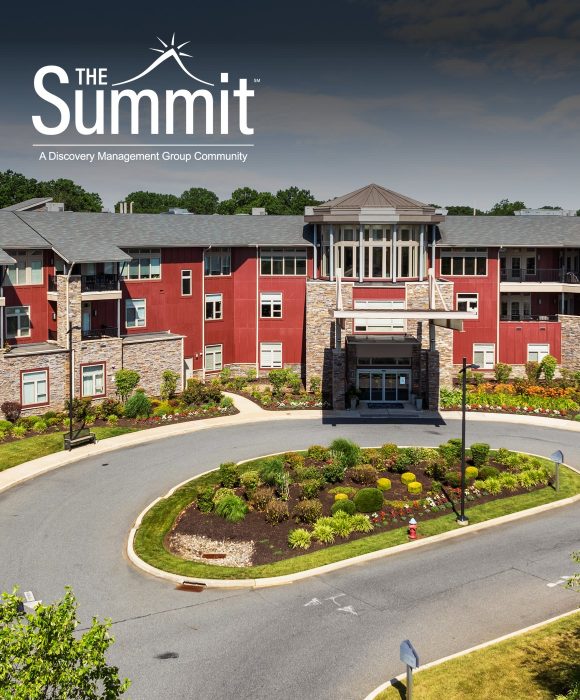 +338%more organic site traffic
Senior Living · The Summit
-
 +2,162%more leads
Senior Living · Aston Gardens Senior Living
-
 +300%more leads from Microsoft Ads
Cybersecurity & IT · SBS Cybersecurity
-
 +1,438%higher conv. rate
Senior Living · Hidden Meadows
-
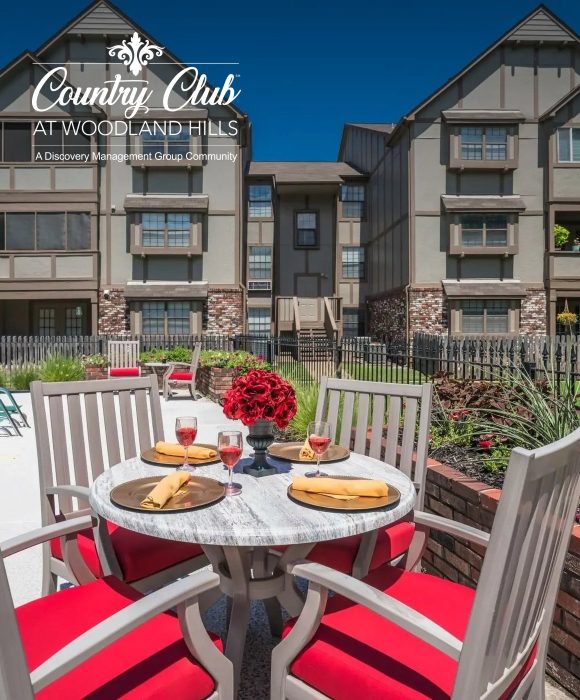 +426%more leads
Senior Living · Country Club At Woodland Hills
-
 +250%more leads
Senior Living · Seaton Senior Living
-
 +2,000%more leads
Senior Living · Choreograph Senior Living
Businesses choose SmartSites for HubSpot development













You’ll know everything your website brings in.
Know what your site earns: the visits, calls, forms and leads it produces, plus a crawl of every page that flags problems before your visitors find them, in plain language.

Website PerformanceConversions, conversion rate and traffic from GA4, explained in plain English. 
Leads OverviewEvery call, form and message your site brings in, in one de-duplicated list. 
Form SubmissionsVerified leads vs junk, with the source, campaign and UTM behind each one. 
Phone CallsRecordings, AI call summaries and outcomes: booked, qualified, missed or vendor pitch. 
Site CrawlBroken pages, heavy images, slow responses and SEO issues, caught before visitors notice. 
Google Search ConsoleHow often you appear in Google, where you rank, and the clicks and conversions it brings.
HubSpot CMS development questions
HubSpot websites are quoted after we review your requirements, so you know the cost before the build starts. The price depends on how many templates and drag-and-drop modules the site needs, the forms, CRM and Google Ads integrations, and how many pages, blog posts and assets we move from your current site. You get one flat fee for the agreed scope, which can be split into 2 to 4 payments. Copywriting is available at an additional cost. Get a free HubSpot proposal.
HubSpot CMS (now part of Content Hub) makes sense when your marketing and sales already run on HubSpot: forms, contacts, workflows and reporting all connect to the site without plugins. If you don't use HubSpot's CRM, WordPress is often more flexible for the same budget, and we will tell you which fits.
Yes. We move pages, blog posts and assets, rebuild templates as HubSpot modules, map every old URL to its new page with a redirect plan, and check rankings and crawl errors after launch.
Yes. We build drag-and-drop modules so your marketers can create and edit pages without a developer and without breaking the design, and we train your team before handover.
Yes. The same team runs SEO, PPC, social and email, keeps leads flowing into your CRM with their source, and your Client Hub shows the calls, forms and sales each channel brings in.