Quick Summary
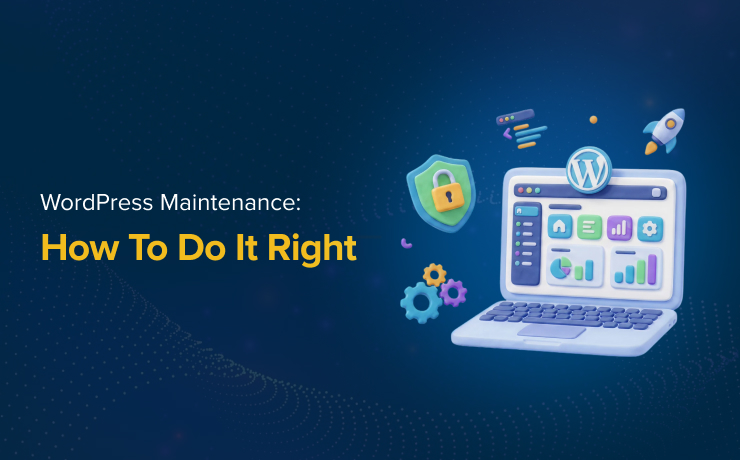
WordPress maintenance is essential for keeping websites secure, fast, and fully functional over time. A consistent WordPress maintenance checklist helps businesses prevent security vulnerabilities, improve performance, and maintain strong search engine visibility. By following a reliable WordPress website maintenance checklist, companies can reduce technical issues while creating better user experiences for visitors.
WordPress maintenance is one of the most important responsibilities for businesses running websites on the world’s most popular content management system. While launching a website is a major milestone, ongoing maintenance ensures the site continues performing properly long after it goes live. A well-structured WordPress maintenance checklist helps businesses protect security, improve speed, and reduce downtime.
Why WordPress Maintenance Matters
WordPress websites rely on themes, plugins, and core software updates to function correctly. Over time, outdated software can create compatibility problems and expose websites to security vulnerabilities.
Regular maintenance helps prevent these issues before they become serious problems. Updating plugins and themes ensures websites remain compatible with the latest version of WordPress while reducing the risk of malware attacks or data breaches.
Website performance is another important factor. Slow-loading websites negatively affect user experience and can hurt search engine rankings.
Building a Reliable WordPress Maintenance Checklist
A strong WordPress maintenance checklist should include both technical and content-related tasks. Security updates are among the highest priorities because they help protect websites from cyber threats and vulnerabilities.
Website backups should also be performed regularly. Reliable backups allow businesses to restore their site quickly if technical issues or security incidents occur. Without backups, recovering a compromised website can become costly and time-consuming.
Monitoring website uptime and functionality is equally important. Broken forms, failed payment systems, or plugin conflicts can negatively impact customer experience and revenue generation.
A complete WordPress website maintenance checklist should also include reviewing analytics, fixing broken links, updating metadata, and refreshing outdated content. These tasks support both SEO performance and overall website quality.
SEO Benefits of WordPress Maintenance
Search engines reward websites that remain fast, secure, and updated. Ongoing WordPress maintenance directly contributes to better SEO performance by improving technical health and user experience.
Website speed is a confirmed ranking factor, making optimization essential for search visibility. Regular maintenance can help reduce page load times and improve mobile usability, both of which influence rankings and engagement metrics.
How Often Should WordPress Maintenance Be Performed?
WordPress maintenance should be ongoing rather than occasional. Some tasks, such as monitoring uptime and security threats, should happen continuously. Plugin updates, backups, and performance reviews should typically occur weekly or monthly depending on website complexity.
Larger websites with ecommerce functionality or high traffic may require more frequent monitoring and optimization. Smaller business websites still benefit from consistent maintenance schedules to ensure long-term stability and performance.
“I like and trust SmartSites, and they had built a website for a business I sold.”

FAQs
Why is WordPress maintenance important?
WordPress maintenance helps keep websites secure, fast, functional, and optimized for search engines while preventing technical issues over time.
What should a WordPress maintenance checklist include?
A WordPress maintenance checklist should include updates, backups, security monitoring, speed optimization, broken link checks, and content updates.
How often should WordPress website maintenance be done?
Most WordPress website maintenance tasks should be performed weekly or monthly, while security monitoring should remain ongoing. Need help managing your website updates, security, and performance? SmartSites Website Maintenance Services provides professional WordPress maintenance solutions that keep your website secure, optimized, and ready for long-term growth. Contact us today for more details!