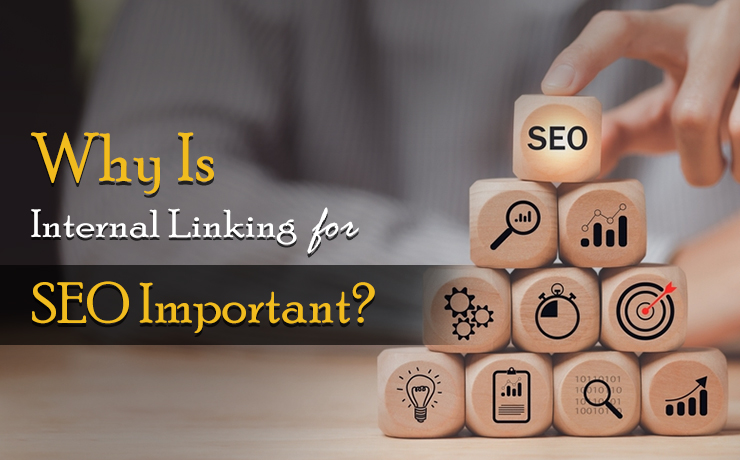
Internal linking is the practice of linking one page on a website to another page on the same website. These links are used to help users navigate the site and to help search engines understand the structure and hierarchy of the site’s content. Internal linking is an essential part of SEO (Search Engine Optimization) because it helps search engines understand the importance and relevance of each page on a website. In this article, we will discuss why internal linking is important for SEO and how to effectively use it to improve your website’s search engine rankings.
The Importance of Internal Linking for SEO
Helps Search Engines Understand the Structure of a Website
One of the most important reasons why internal linking is important for SEO is that it helps search engines understand the structure of a website. When search engines crawl a website, they use links to navigate the site and to understand the hierarchy of the content. By using internal links, you can help search engines understand the relationship between different pages on your website and how they are related to each other. This can help search engines better understand the content of your site and how it should be indexed.
Improves Navigation for Users
Internal linking not only helps search engines understand the structure of a website, but it also helps users navigate the site. By providing links to related content, you can make it easier for users to find the information they are looking for. This can improve the user experience and increase the likelihood that users will spend more time on your site.
Increases the Crawlability of a Website
Search engines use crawlers to index and rank websites. Crawlers follow links on a website to discover new pages and to understand the structure of the site. Internal linking can help increase the crawlability of a website by providing a clear path for crawlers to follow. By including links to all of the important pages on your site, you can ensure that search engines are able to find and index all of your content.
Helps Establish the Relevance and Authority of a Website
Internal linking can also help establish the relevance and authority of a website. When a page on a website links to another page on the same site, it is seen as a vote of confidence for the content on that page. The more links a page has pointing to it, the more relevant and authoritative it is considered to be. This can help improve the search engine rankings for the linked-to page.
Distributes Link Equity
Link equity is the value that is passed from one page to another through links. When a page has a lot of links pointing to it, it has a lot of link equity. When a page has very few links pointing to it, it has very little link equity. By using internal linking, you can distribute link equity throughout your site. This can help improve the search engine rankings for all of the pages on your site, not just the homepage.
Give Internal Linking a Try and See If It Helps Boost Your SEO Efforts
Internal linking is an essential part of SEO and it plays a critical role in helping search engines understand the structure and hierarchy of a website’s content. By providing links to related content, you can make it easier for users to navigate your site and improve the user experience. Additionally, internal linking can increase the crawlability of a website, establish the relevance and authority of a website, and distribute link equity throughout the site. To effectively use internal linking for SEO, it is important to use relevant anchor text, link to relevant pages, and ensure that all important pages on your site are linked to. By implementing these strategies, you can help improve your website’s search engine rankings and drive more traffic to your site.
 Free
Consultation
Free
Consultation Free
Google Ads Audit
Free
Google Ads Audit