Clutch
 G2

Choosing your website’s color scheme may seem easy: pick two or three colors and you’re done. But color is one of the most important factors in how a website performs, and several things should shape your choice, from your brand to your audience to how readable your pages are on a phone.
In this post, you’ll learn the basics of color theory that guide a good website color scheme, the main types of schemes and which color approaches hold up over time.
Three pillars of color theory: complementation, contrast and vibrancy
Practical color theory rests on three ideas: complementation, contrast and vibrancy. Here is what each means for your website.
- Complementation is how colors combine with each other. Every color carries a range of meanings, and a combination brings some of those meanings forward and gives the design a distinct feel. When choosing your color scheme, think about the feel of the combination, not just each color on its own.
Say you want red for your navigation and calls to action, since red stimulates action. If the other colors are white, rose, cream or peach, the site will feel romantic, a combination that suits a dating service or a wedding photographer. If you pair darker reds with dark greens, the result feels rich and earthy, and is often used for agricultural brands.
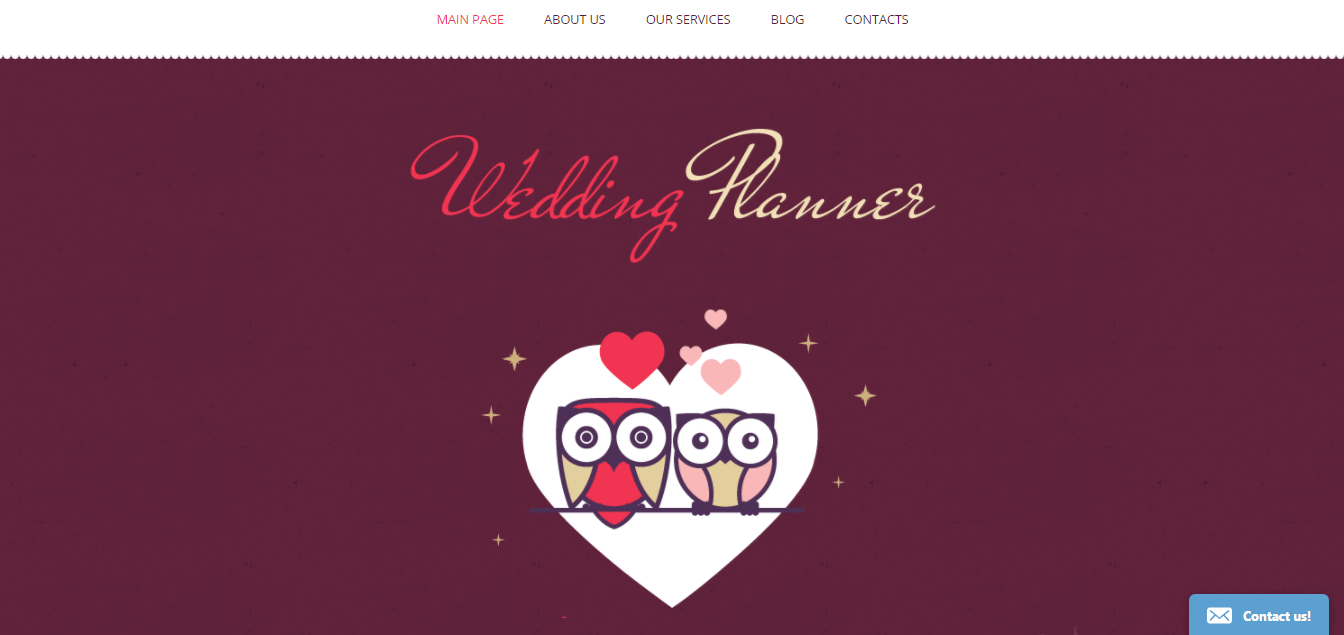
- Contrast is how much a colored element differs from what surrounds it. Contrast makes your content readable and your calls to action visible.
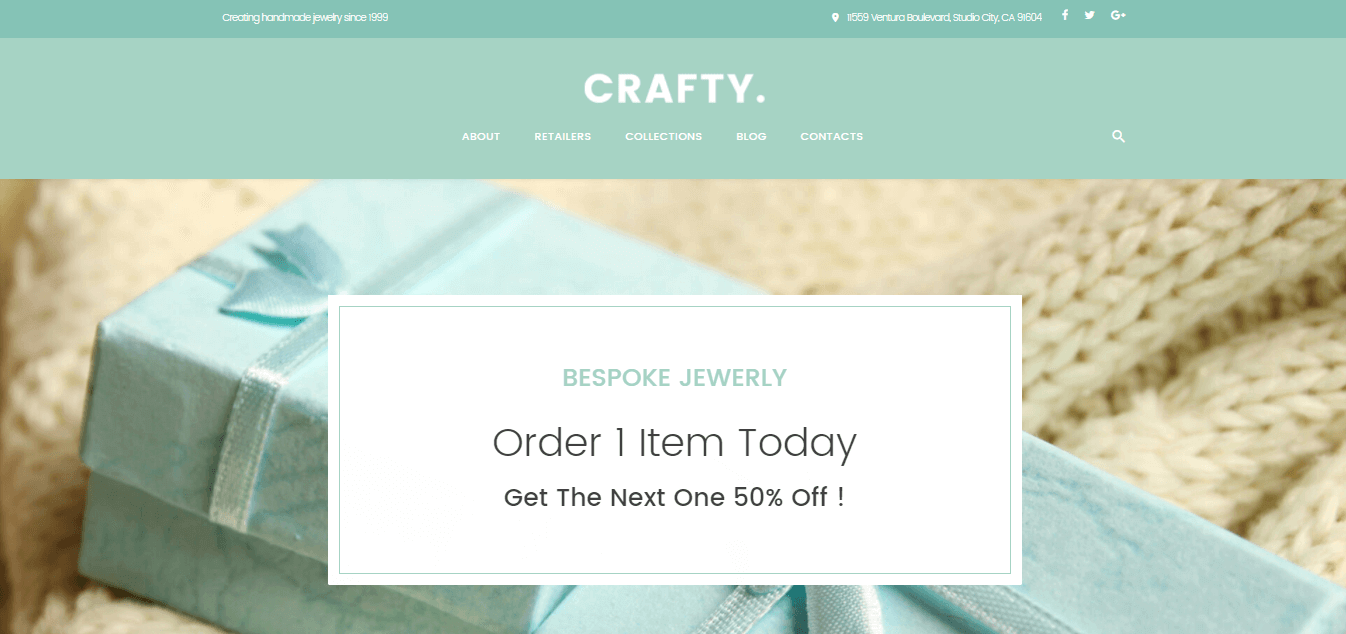
Choose colors that are not neighbors on the color wheel for text and background, because similar shades make text hard to read. The proven approach is a light background with dark text. The alternative is a dark background with lighter, more vibrant text. For accessibility, check your text and background colors with a contrast checker and aim for the ratios recommended in the Web Content Accessibility Guidelines (WCAG). Good contrast helps everyone, including visitors with low vision, and it helps on small phone screens in bright light.


These two examples show both types of high-contrast schemes. Either approach keeps content comfortable to read and avoids eye strain.
- Vibrancy is the brightness and intensity of your colors. Bright, upbeat shades can set a positive tone and make calls to action more noticeable, which can help conversion rates.

In other cases, a subtle, unobtrusive scheme sets the right mood. That can suit a spa, a health and beauty business or a hotel. The example below shows why the color choice should match the purpose of the website.
Pick a scheme type that matches your brand
You should not choose website colors at random. Start with your brand colors if you have them, then build a palette around them. A common guideline is to use one dominant color for most of the page, a secondary color for supporting areas and one accent color for buttons and links. Three well-known approaches to combining colors are the triadic, complementary and analogous schemes. Take out a color wheel and look at each one:
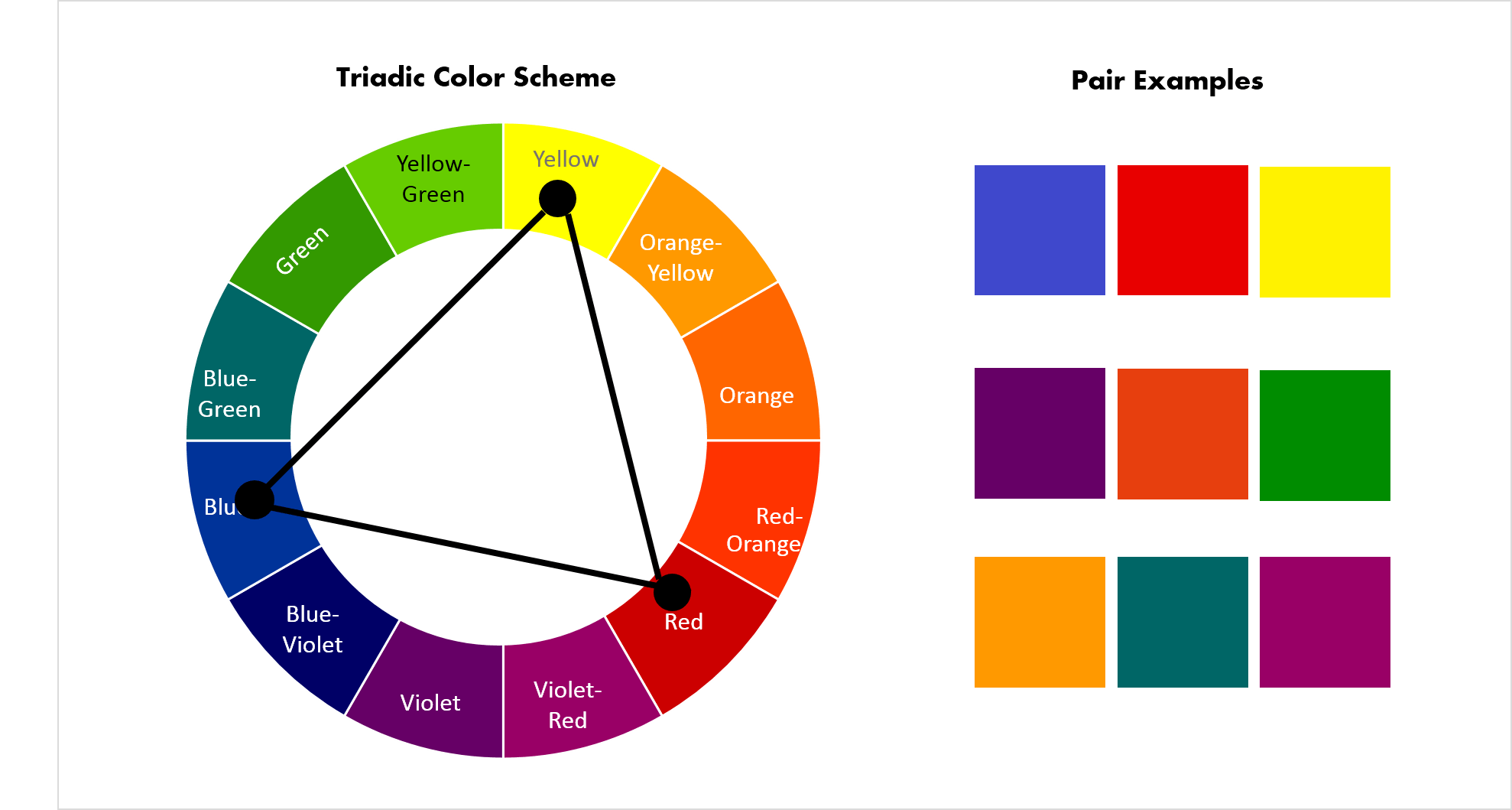
- Triadic color scheme uses three colors spaced evenly around the color wheel, at the points of an equilateral triangle. Red, yellow and blue is the classic example. These colors are not neighbors, so they give strong contrast and balanced vibrancy.
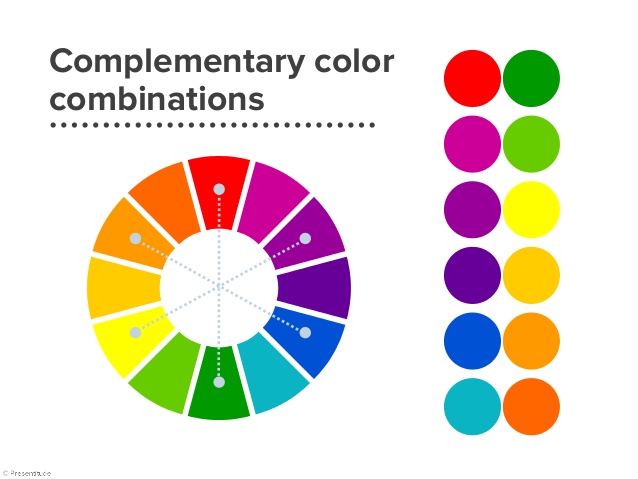
- Complementary color scheme uses colors that sit opposite each other on the color wheel. A pair of two colors is often not enough for website design, so designers often use a variation called a tetradic scheme, which combines two complementary pairs and gives you more options.
- Analogous color scheme uses colors that sit next to each other on the color wheel. It gives a website a subtle, harmonious feel. Because the shades are often variations of one main color, they reinforce its meaning. Just watch your contrast, since neighboring colors can blend together.
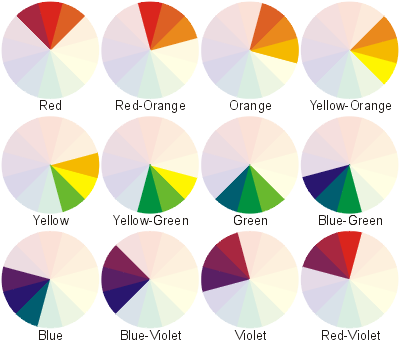
You do not have to draw a color wheel yourself. Many free color scheme generators and palette tools can suggest combinations from a starting color, and design platforms such as Canva publish guides to color meanings and combinations.
Choose color approaches that outlast trends
Color use on the web shifts over time, and you can often tell roughly how old a site is by how it is colored. Rather than chasing the latest look, pick approaches that stay effective. The examples below come from earlier template designs, but the ideas behind them still work.
Use bold accents sparingly
Glowing neon colors, such as lime green, fuchsia and bright blue, can feel energetic and modern for fashion, beauty or creative portfolio websites. If you use them, keep the base simple, with black or white behind your content so it stays readable, and keep neon for small accents. Too much neon tires the eyes and makes text harder to read.

Choose upbeat, less obvious colors
Bright, friendly colors can make visitors feel good and keep them browsing. Avoid plain primary colors, which can look generic. Softer, matte shades or less obvious hues feel more distinctive and are easier to look at over a long visit.
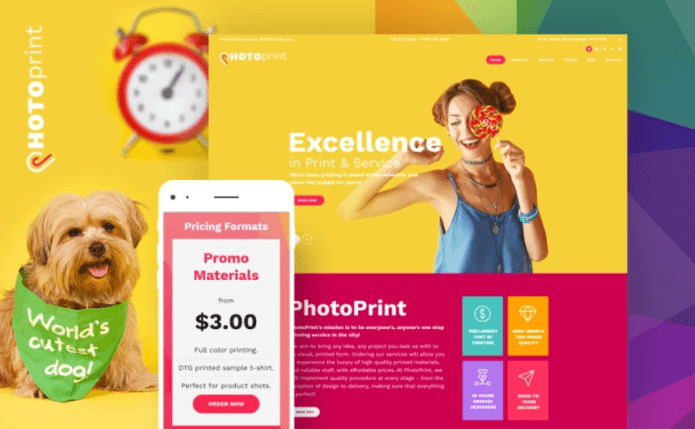
Use white and blue to look professional
If you want to come across as a trusted professional, a white-and-blue scheme is tried and true. It creates clean, minimal pages that keep the focus on your content and leave plenty of negative space. Add one brighter accent, such as red, green or orange, to make your call-to-action buttons and key navigation stand out.

Plan for dark mode and different screens
Many visitors use dark mode on their phones and computers. If your site supports it, test your palette in both modes so text stays readable and your accent color still stands out. Always check your colors on a phone as well as a desktop screen, since phones are where most visitors will see them.
A good color scheme supports your message and your readers
Color is one of the most important choices you make when you build a website. If shades clash, make content hard to read or do not match the purpose of the site, visitors leave. To get it right, learn the basics of color theory, use a color wheel to build your palette and test for contrast and accessibility. Stay consistent with your brand, and your color scheme will serve you for years.

“Our leads have increased manyfold since switching to SmartSites. I highly recommend SmartSites to any business owner looking to increase visibility and reach more clients.”
 Patrick ObasiNoble Cosmetic Surgery